
Scout-led, for real
A toolkit for every youth leader in your troop
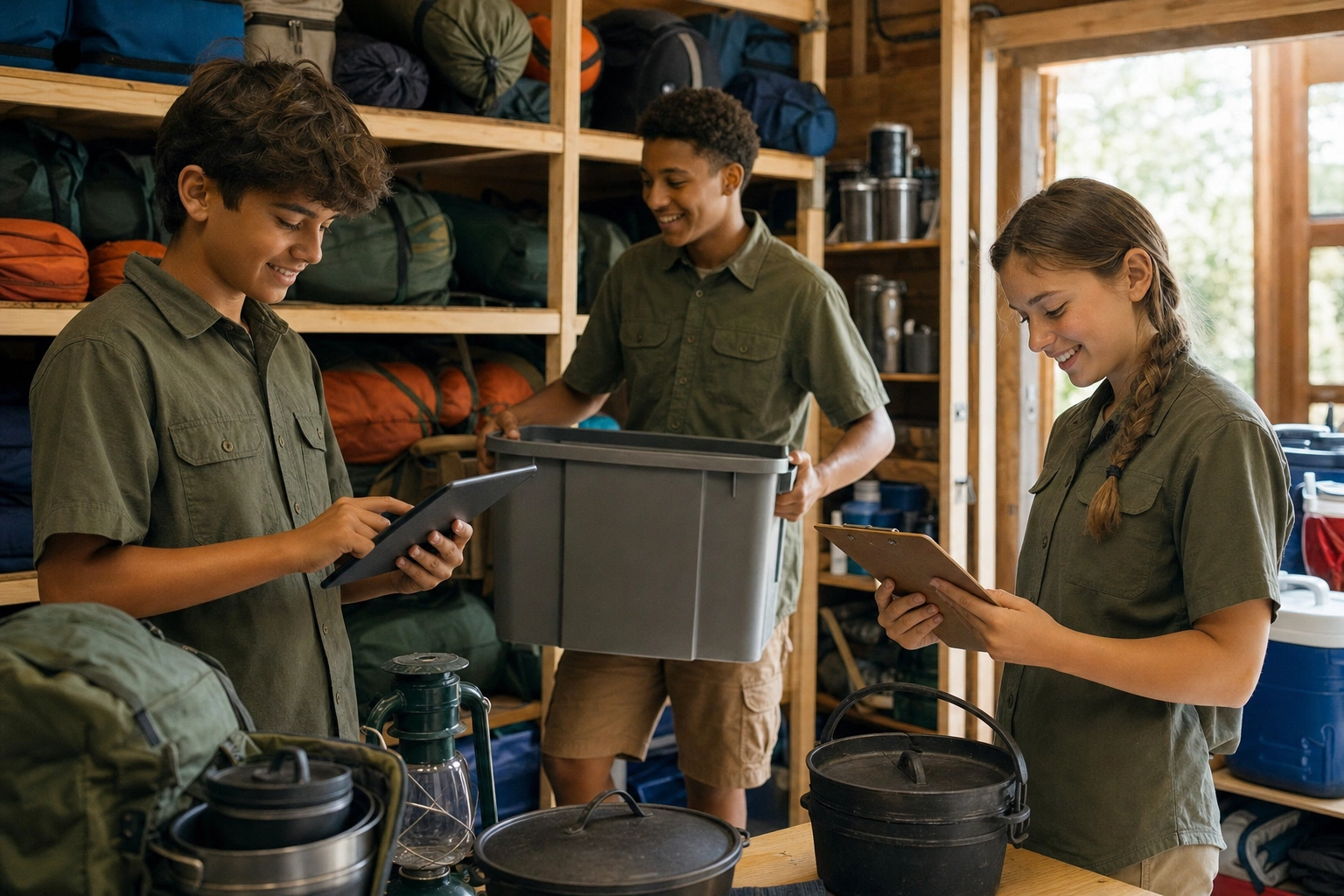
Troops are run by their scouts. Clovehitch gives your Senior Patrol Leader, Quartermaster and every position of responsibility real tools for the job, with adults looking on rather than doing it for them.
How it works
Up and running in three steps
- 1
Parents set up their scout’s sign-in
A parent makes a one-time code and hands it to their scout. No email address or account needed.
- 2
Positions come with their tools
Elect or appoint your SPL, patrol leaders and quartermaster, and each gets the tools for their job.
- 3
Scouts run it
Menus, duty rosters, gear and action items get done by the scouts who own them.
Safe for scouts by design
Sign in with a parent’s code
Scouts sign in on their own device with a code from a parent. No email, no password, no account.
Nothing reaches a scout directly
There’s no messaging in Clovehitch, and everything about a scout goes to their parents.
Parents stay in control
Parents see every device their scout signs in on and can sign one out any time.
No money, no contact details
Scouts use the tools for their position. Family balances and other families’ details stay with adults.
The tools
A tool for every position
Hover over or tap a tool to see it.
- The whole troop
Elections & secret ballots
Run patrol and troop elections from scouts’ phones. Votes stay secret, results are tallied instantly, and winners are assigned to their new positions automatically, permissions and all.
- Scribe & Senior Patrol Leader
Meeting minutes & action items
Start minutes for any meeting with an occasion, a date and who was there, then the topics and notes. Action items get an owner and a due date, and stay one tap away from every later meeting until they’re done.
- Quartermaster
Gear inventory & checkout
Every tent, stove and dutch oven. Check gear out to a patrol, check it back in, and flag what needs repair.
- Patrol grubmasters
Meal planning & shopping lists
Plan the patrol’s menu meal by meal, with what each dish needs, and get one shopping list to print.
- Patrol Leaders
Duty rosters
List the campout’s jobs (cooking, cleanup, water and fire) and give each one to a scout.
- SPL & Patrol Leaders
Pre- & post-campout checklists
Packing lists and patrol gear before you leave. Gear returned, dried and repaired, and a quick roses-and-thorns review when you’re back.
- Historian
Troop photo albums
Photos collected by event, ready for the court of honor slideshow.
- Librarian
Library lending
Merit badge pamphlets and books, and who has which one.
- Instructors
Skill session plans
Plan the teaching at meetings and campouts, and track which scouts took part in each skill session.
Questions
Common questions
Do scouts need an email address or phone number?
No. A parent makes a code and the scout enters it on their device. Scouts never give Clovehitch an email address.
Can scouts message each other or adults?
No. Clovehitch has no messaging, so there’s nothing to supervise and nothing that reaches a scout privately.
Does it track advancement?
No. Ranks and merit badges stay in Scoutbook. See Clovehitch and Scoutbook.
Try Clovehitch free for 60 days.
Every feature, unlimited adults and parents, no card needed.